
To claim a PUBG Mobile Royale Pass:
|
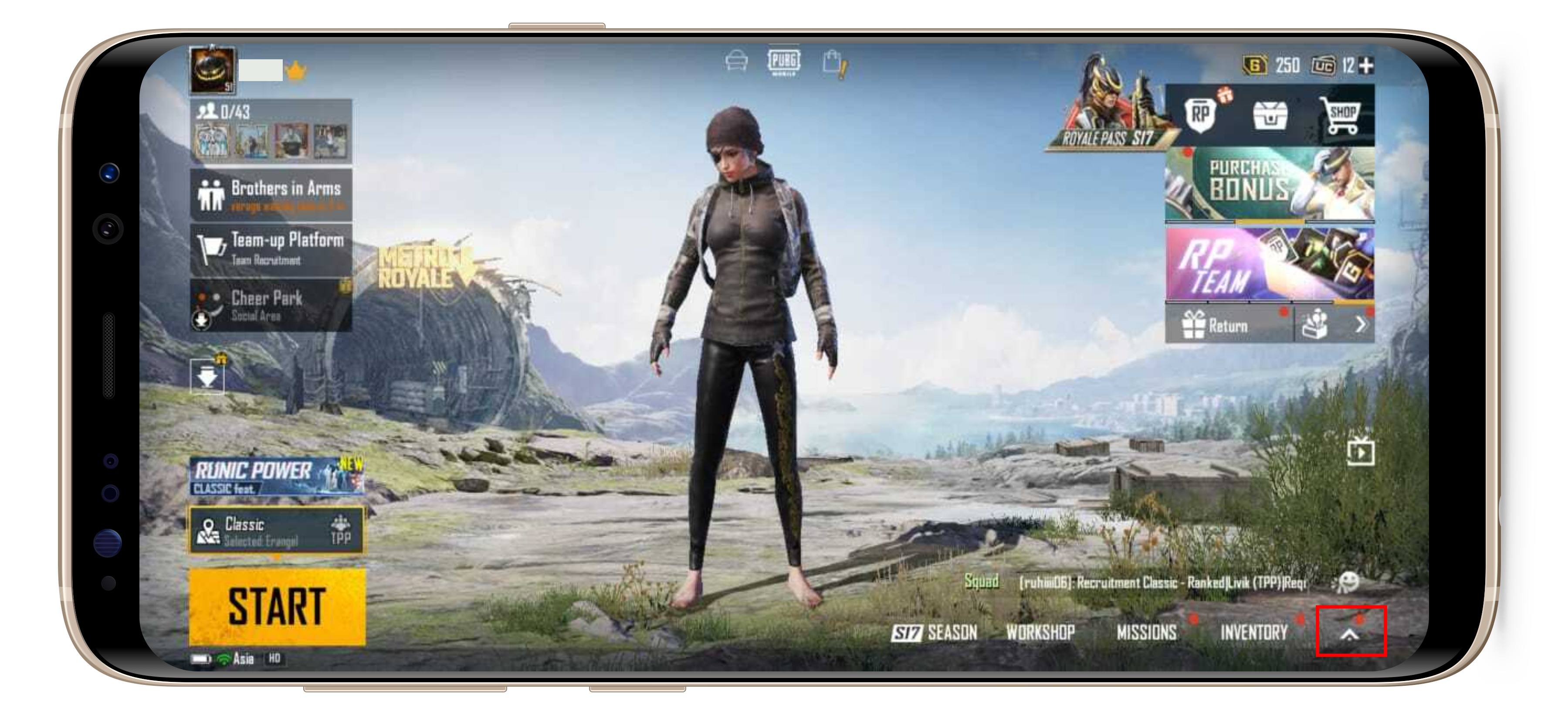
1. Open the main menu by clicking the "Arrow" button on the lobby; |
|
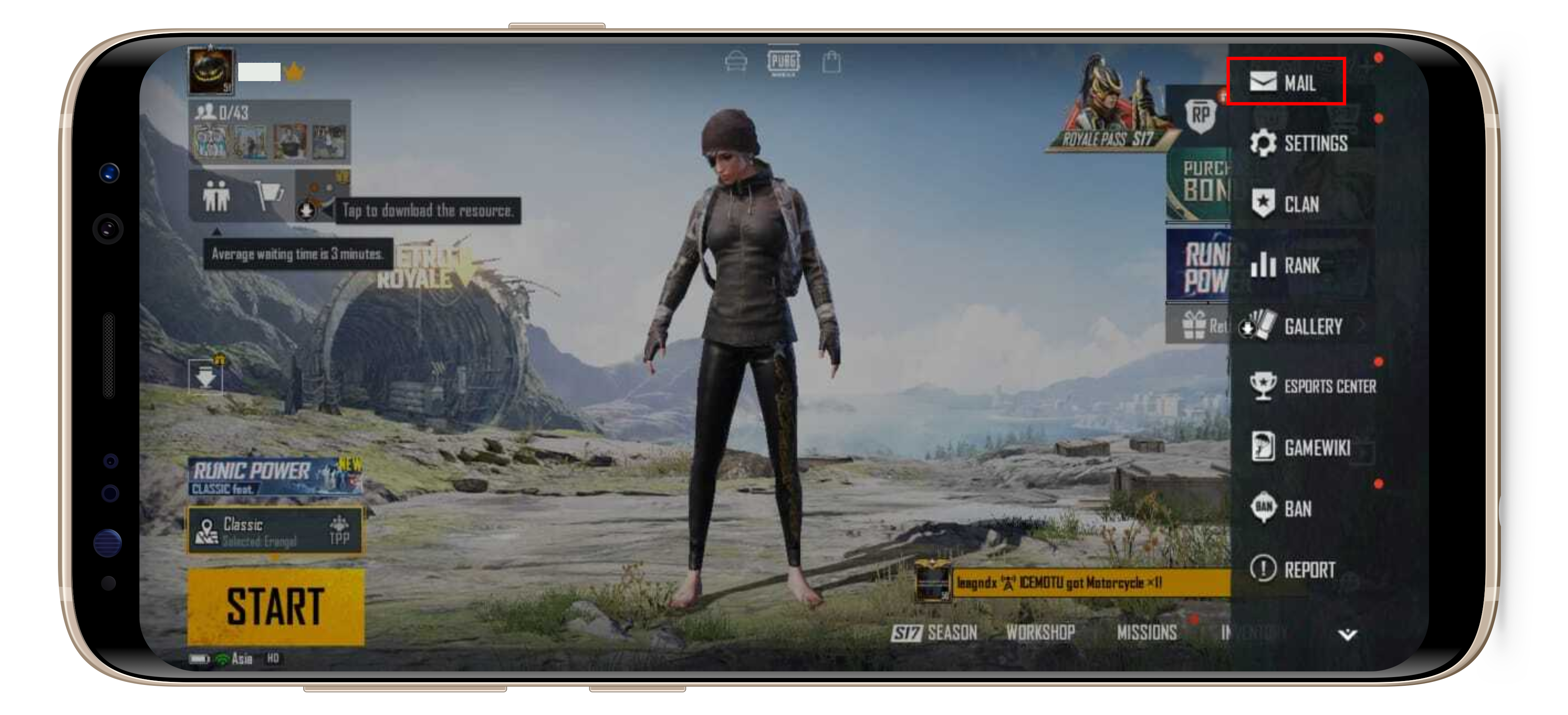
2. Click the "Mail" button to find your successful transaction; |
|
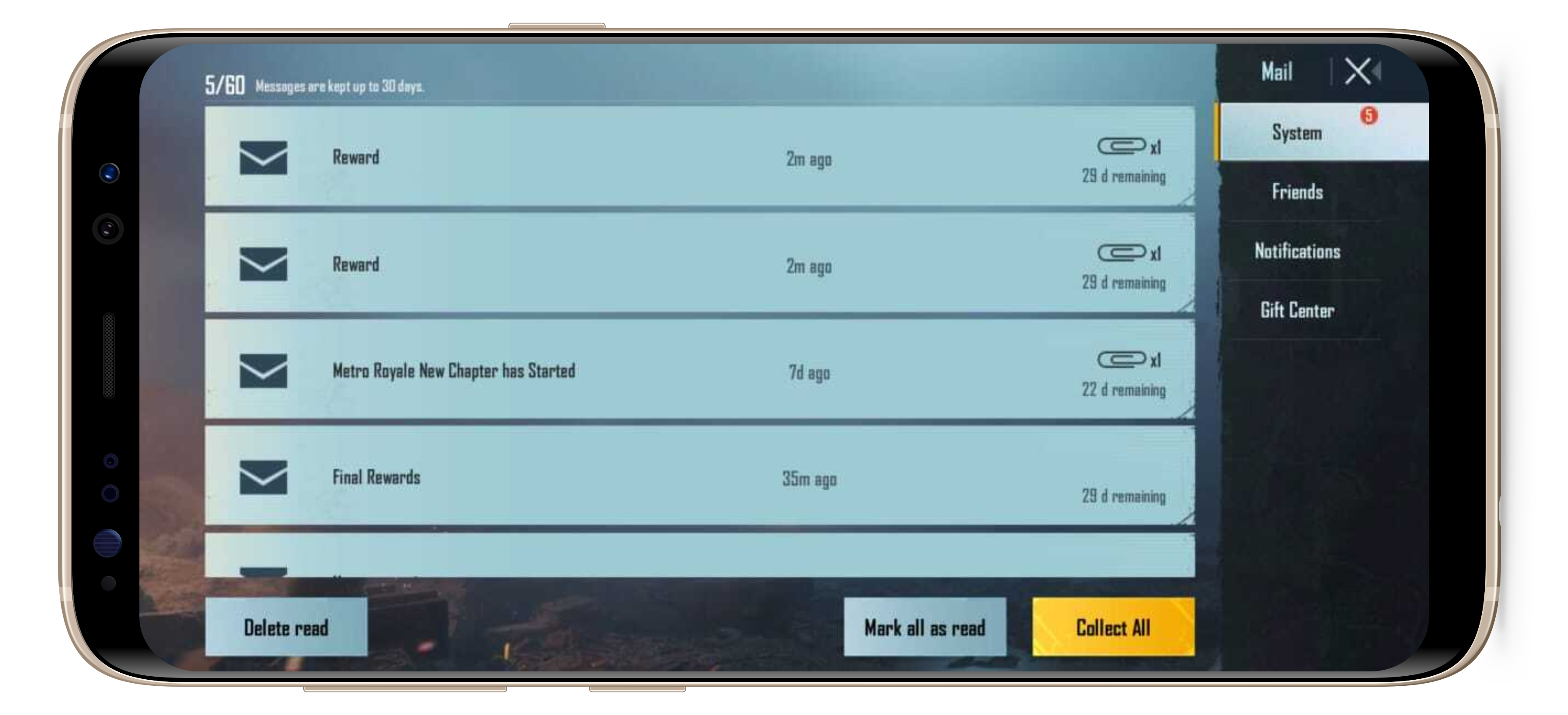
3. Click the Reward mail; |
|
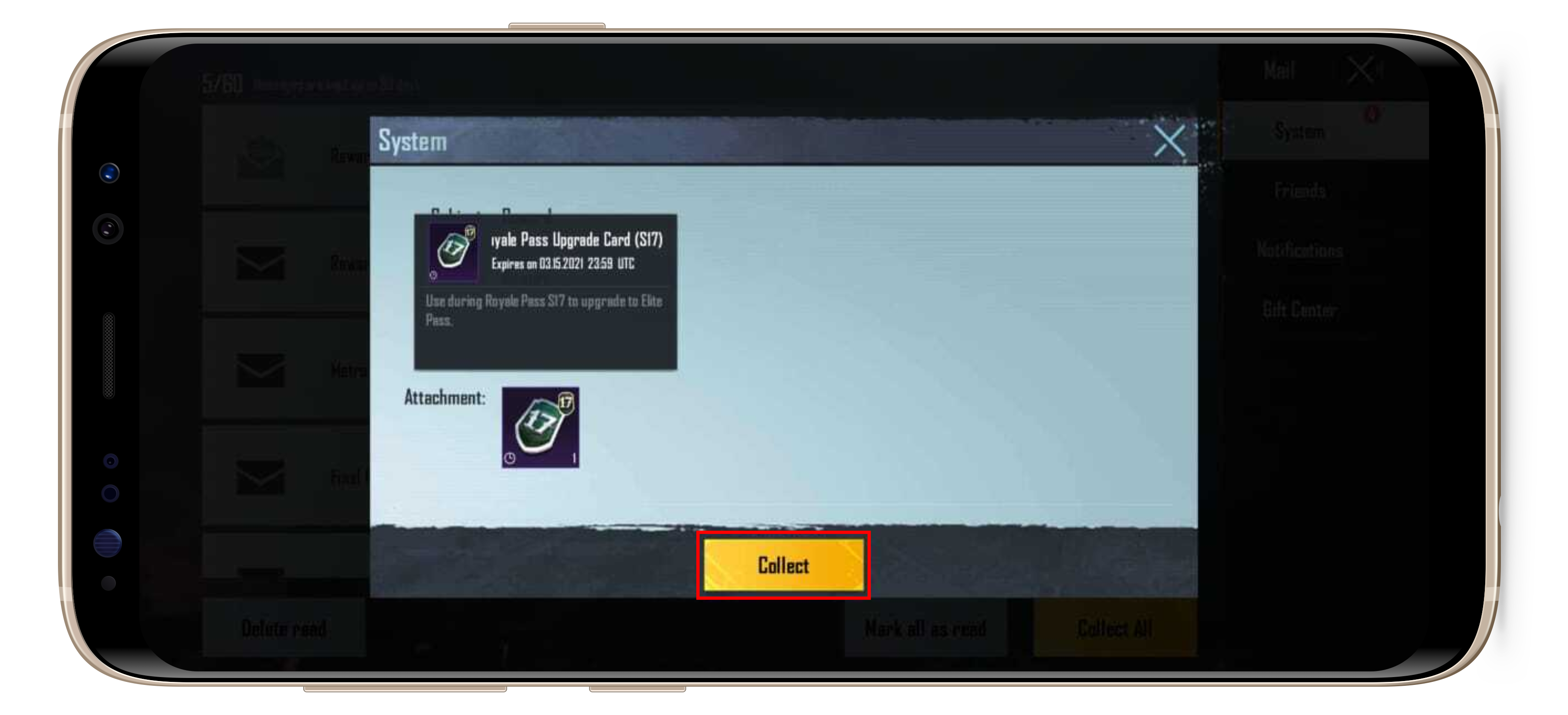
4. The system will show you the item inside the Reward mail, click the "Collect" button; |
|
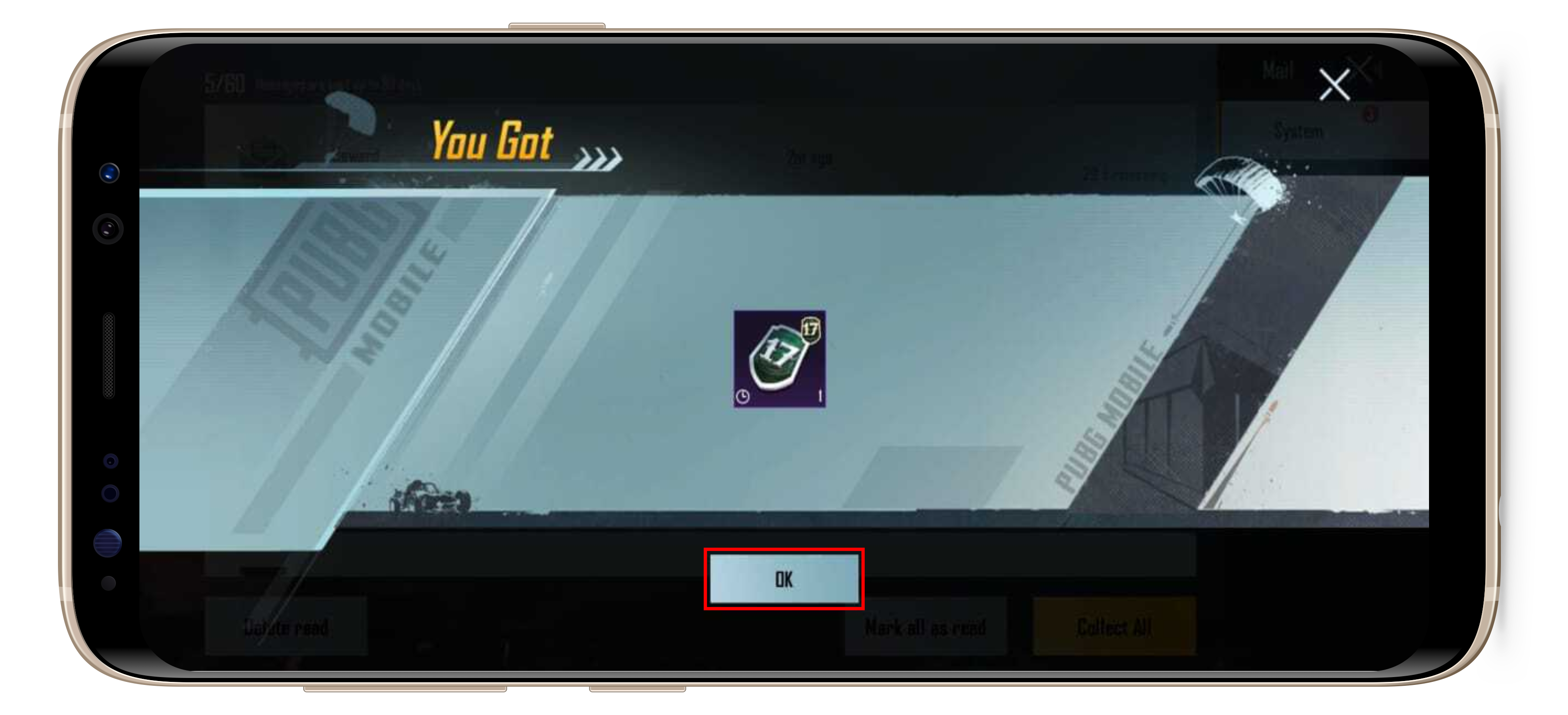
5. Click the "Ok" button on the notification page; |
|
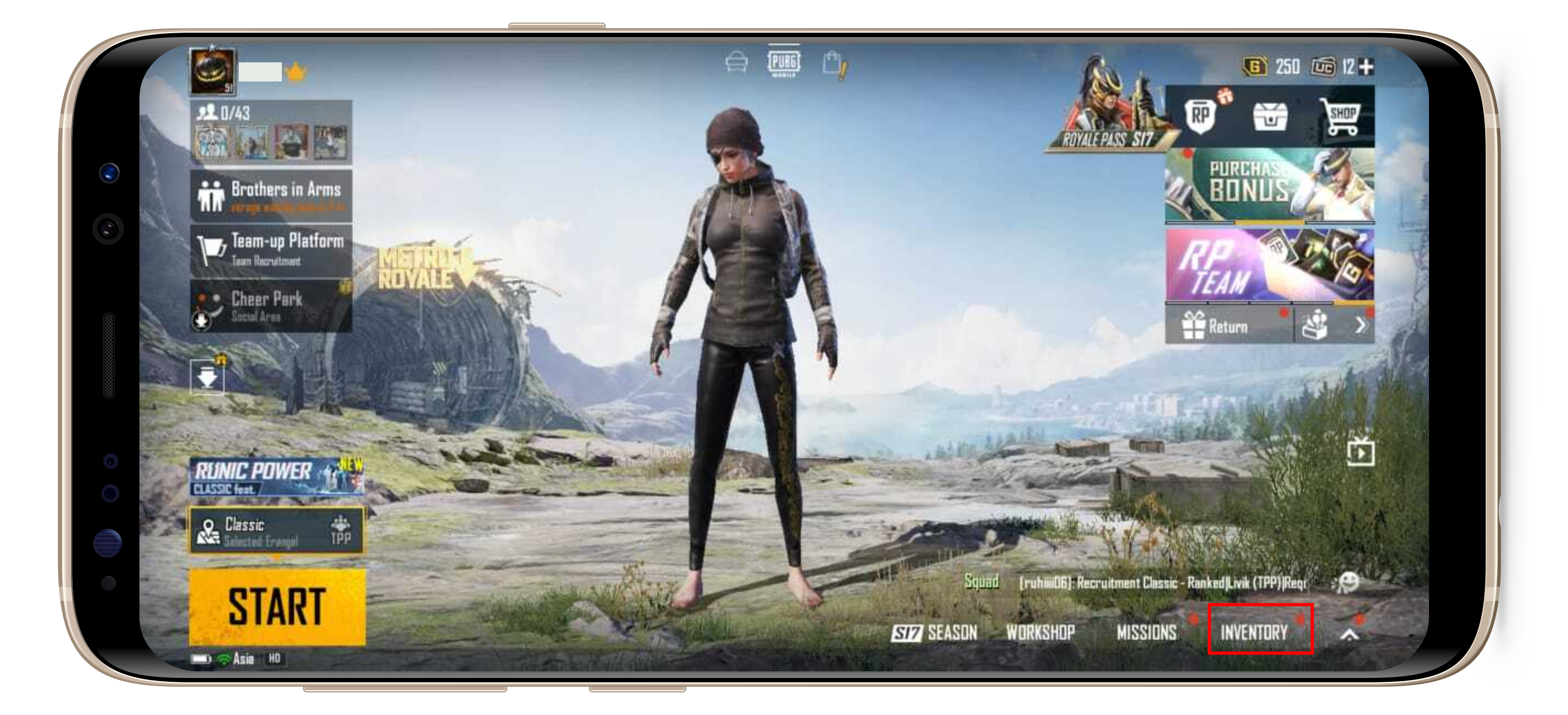
6. Open your Inventory by clicking the "Inventory" button on the lobby; |
|
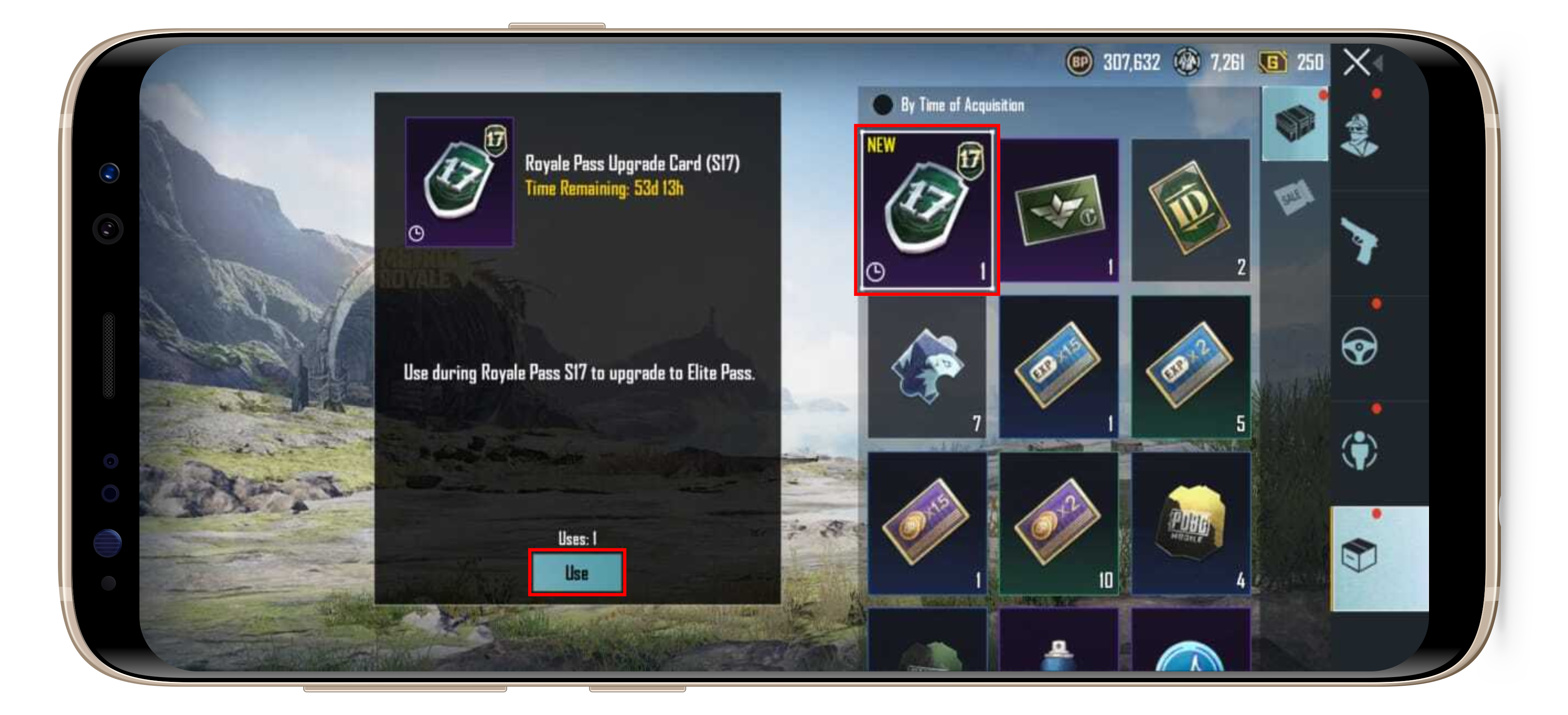
7. Click your Royale Pass Upgrade Card and click the "Use" button; |
|
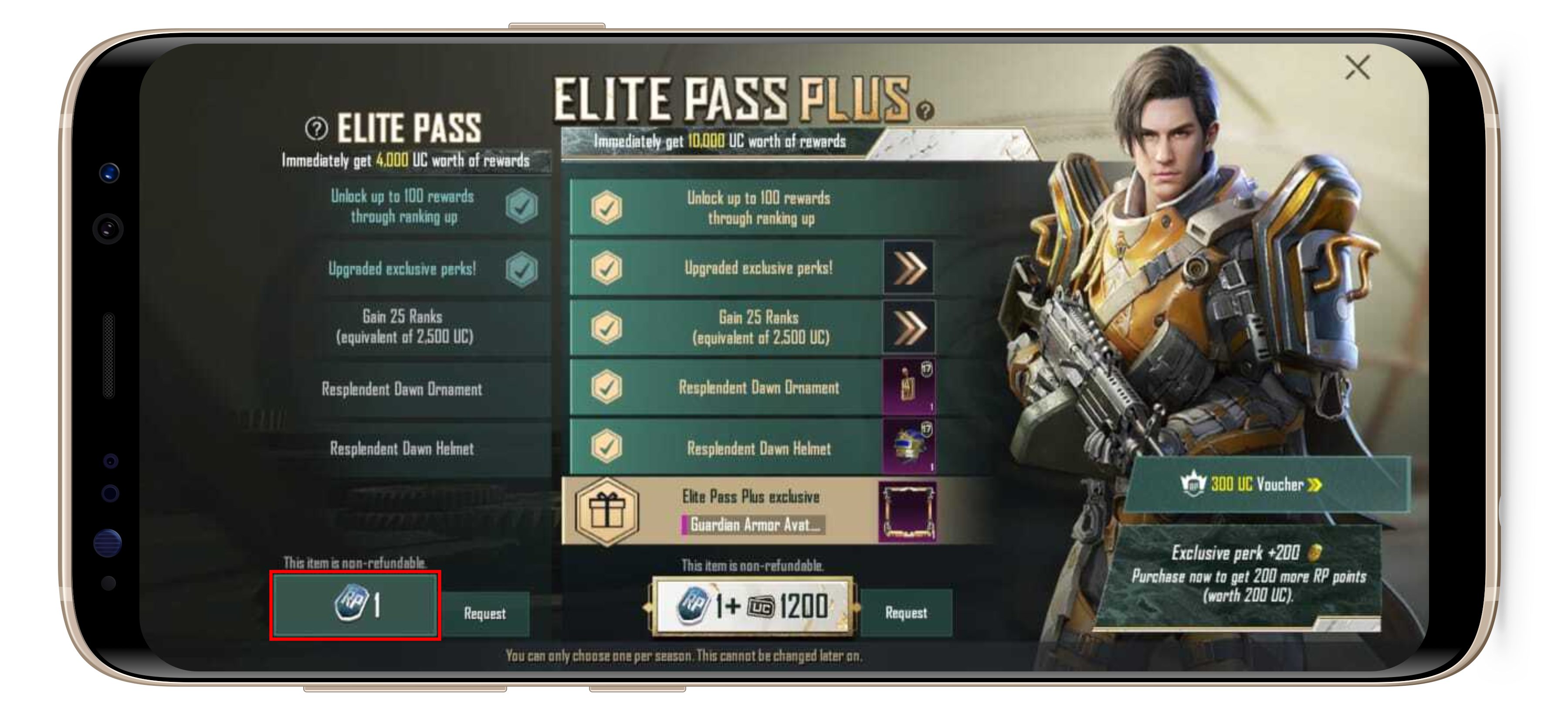
8. Claim the Royale Pass by clicking the "Royale Pass Upgrade Card" button on the left side; |
|
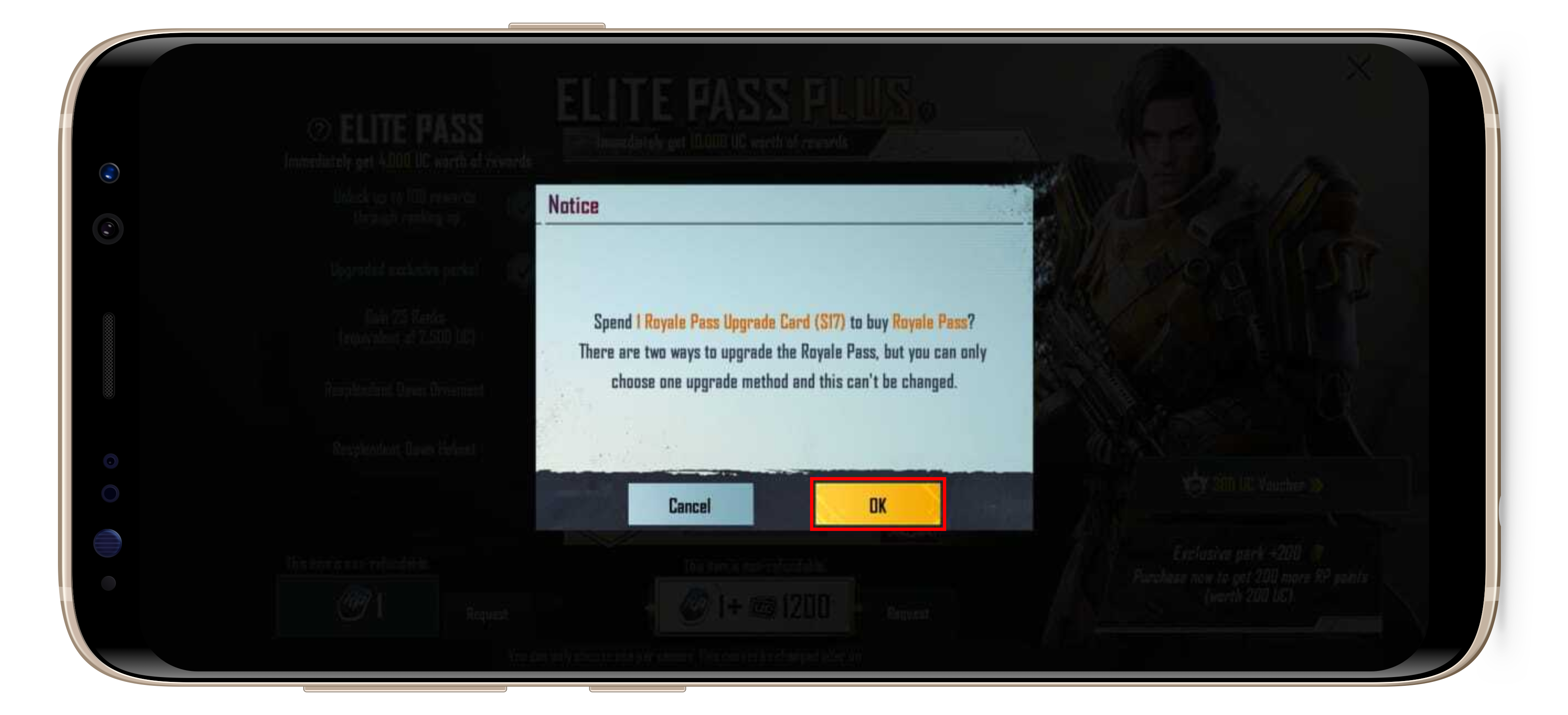
9. The confirmation page will be shown. Click the "Ok" button to continue; |
|
10. Click the "Collect" button to finish. |
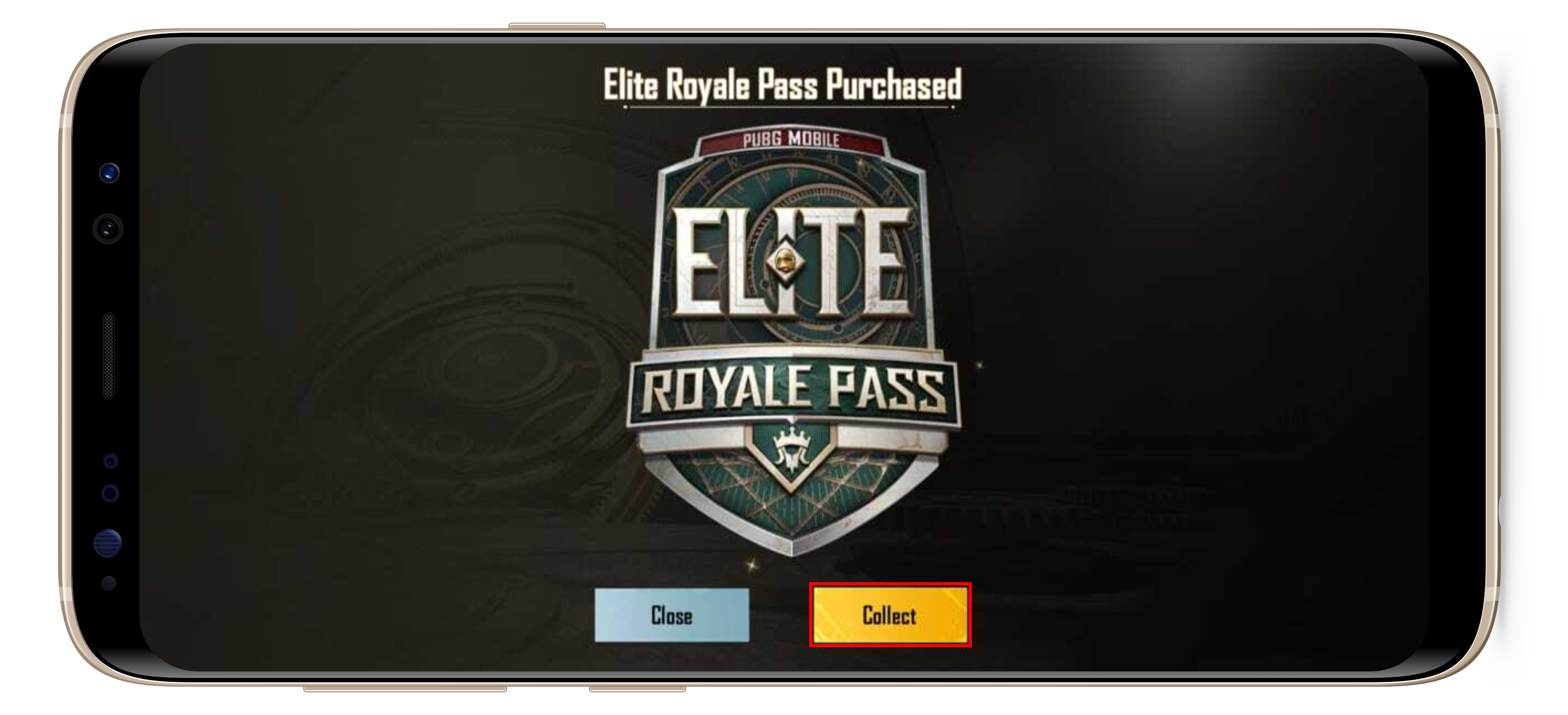
The Royale Pass will been claimed and added to your PUBGM account. 😉