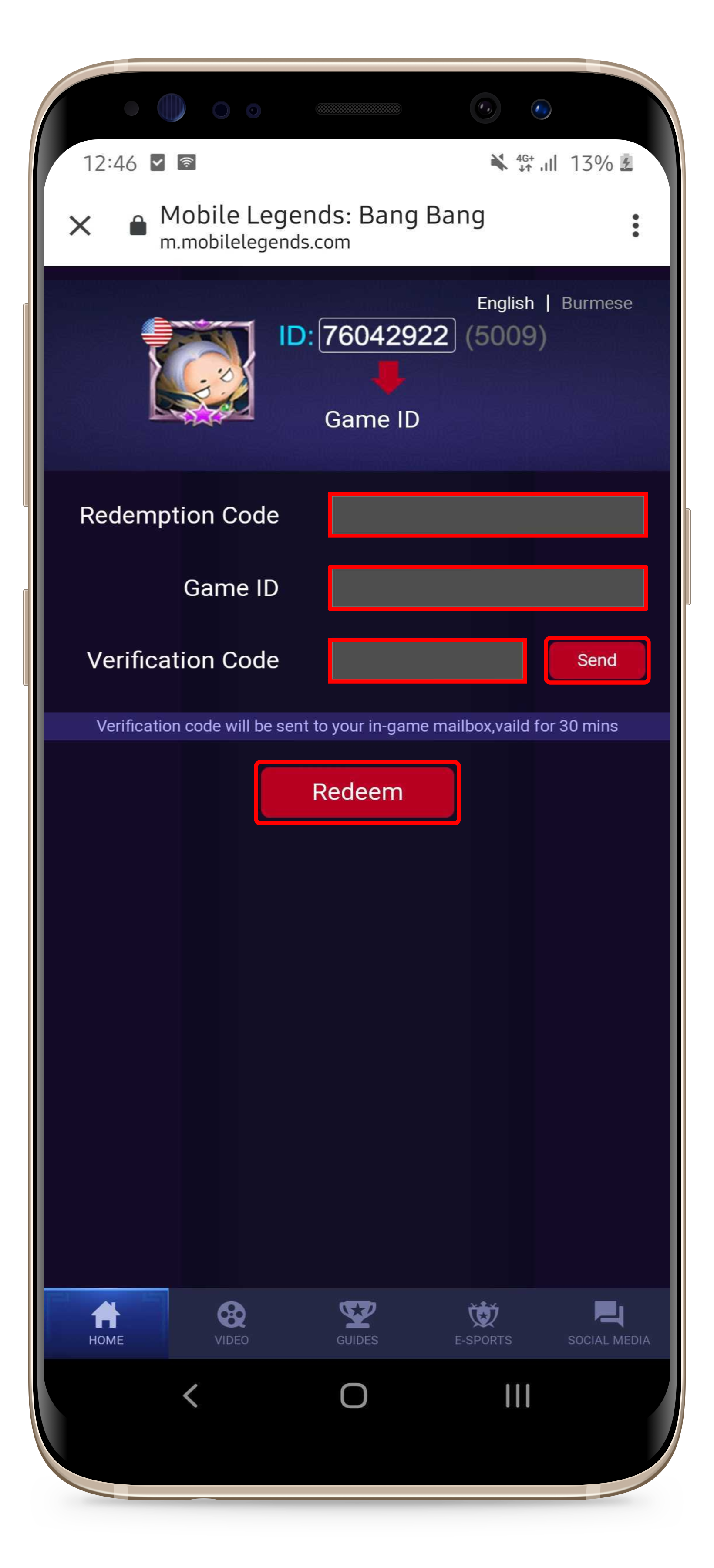
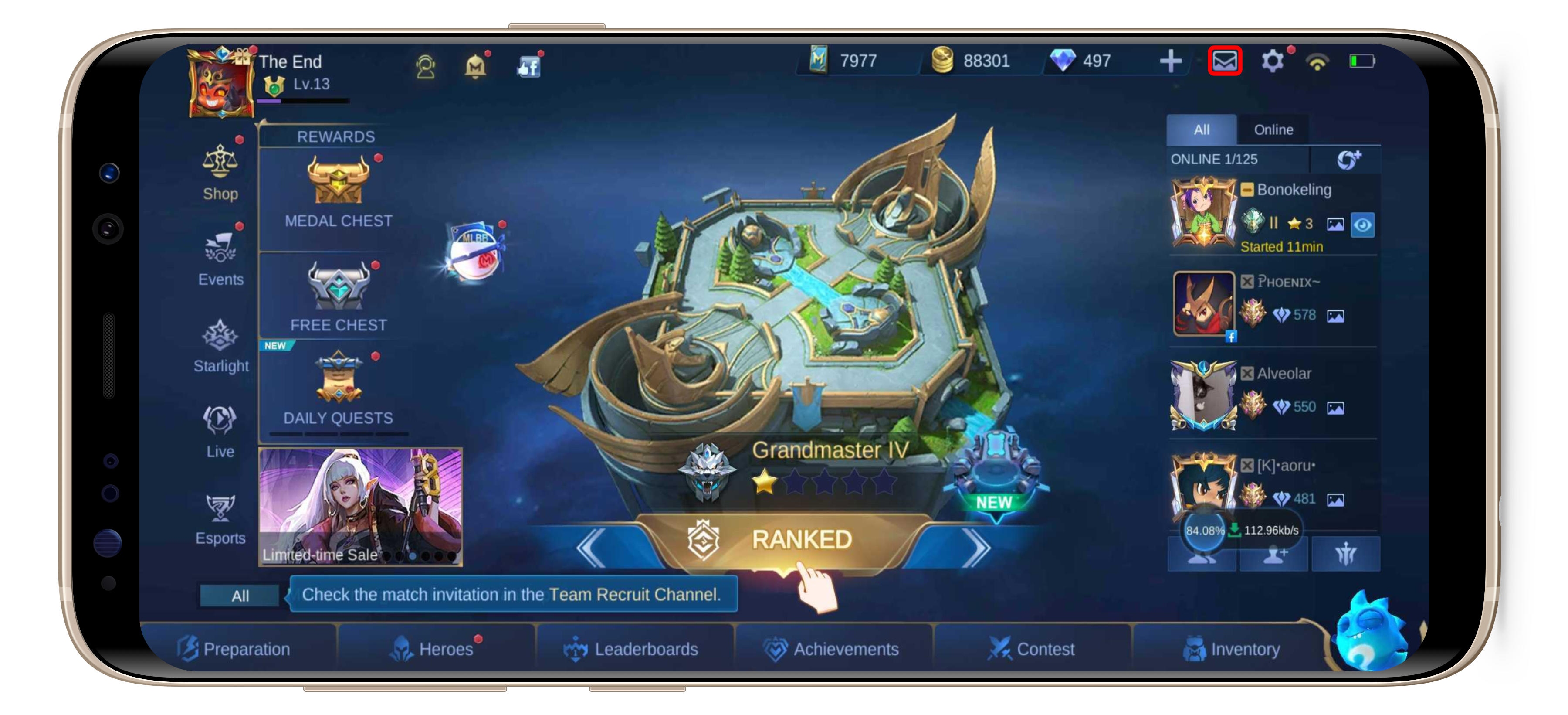
Redeeming Mobile Legends Item Codes Administrator February 04, 2022 11:13 Updated Please follow the below steps to redeem the code: Visit this page; Enter the voucher code; Input your Game ID (you are not required to enter the Server ID); Click the "Send" button to get a verification code; Open your Mobile Legends game account and check your game Inbox; Open the "Gift Redeemed" mail and copy the code into the Verification Code column on the redemption page. Click the "Redeem" button to continue; Claim the bonus from your Mobile Legends Inbox account. (the Inbox button is located on the upper right of the screen) Related articles Where Can I find My Mobile Legends User ID? How To Make A Payment Using Cash App Pay? How To Make A Payment Using PayPal? How To Make A Payment Using Google Pay / Apple Pay? Claiming a PUBGM Royale Passes